

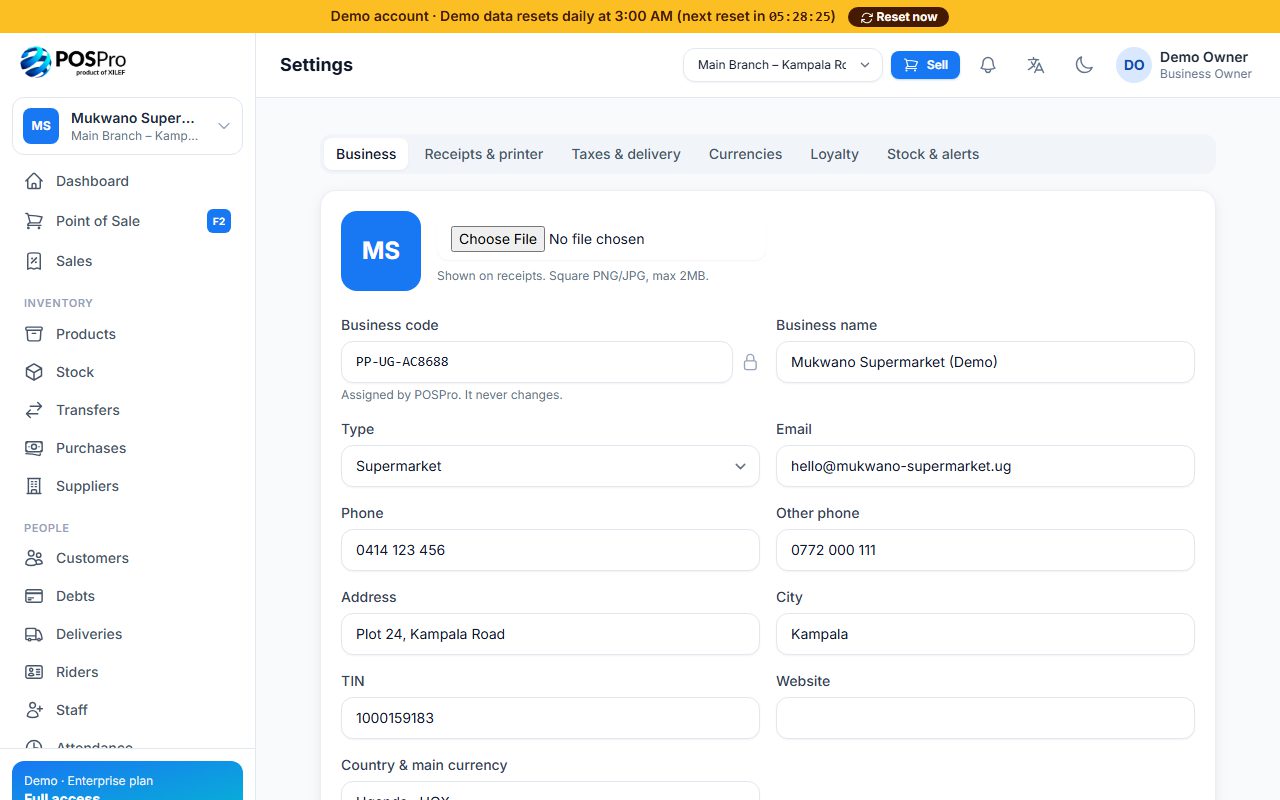
Business owners and managers open Settings. It has six tabs:
- Business: logo, name, type, email, phones, address, city, TIN and website. The business code can't be changed.
- Receipts & printer: XPrinter paper width (58mm or 80mm), logo on receipts and the footer message.
- Taxes & delivery: tax name and rate, whether prices already include tax — or leave it blank — and the default delivery fee.
- Currencies: extra currencies the till accepts at live exchange rates (Standard and Enterprise).
- Loyalty: switch on loyalty points and set how points are earned and redeemed (Enterprise).
- Stock & alerts: dead-stock period, selling at zero stock, and low-stock / daily summary notifications.
Click Save settings when you're done.
Was this article helpful?
Thanks for your feedback! Need more help? Contact us.